

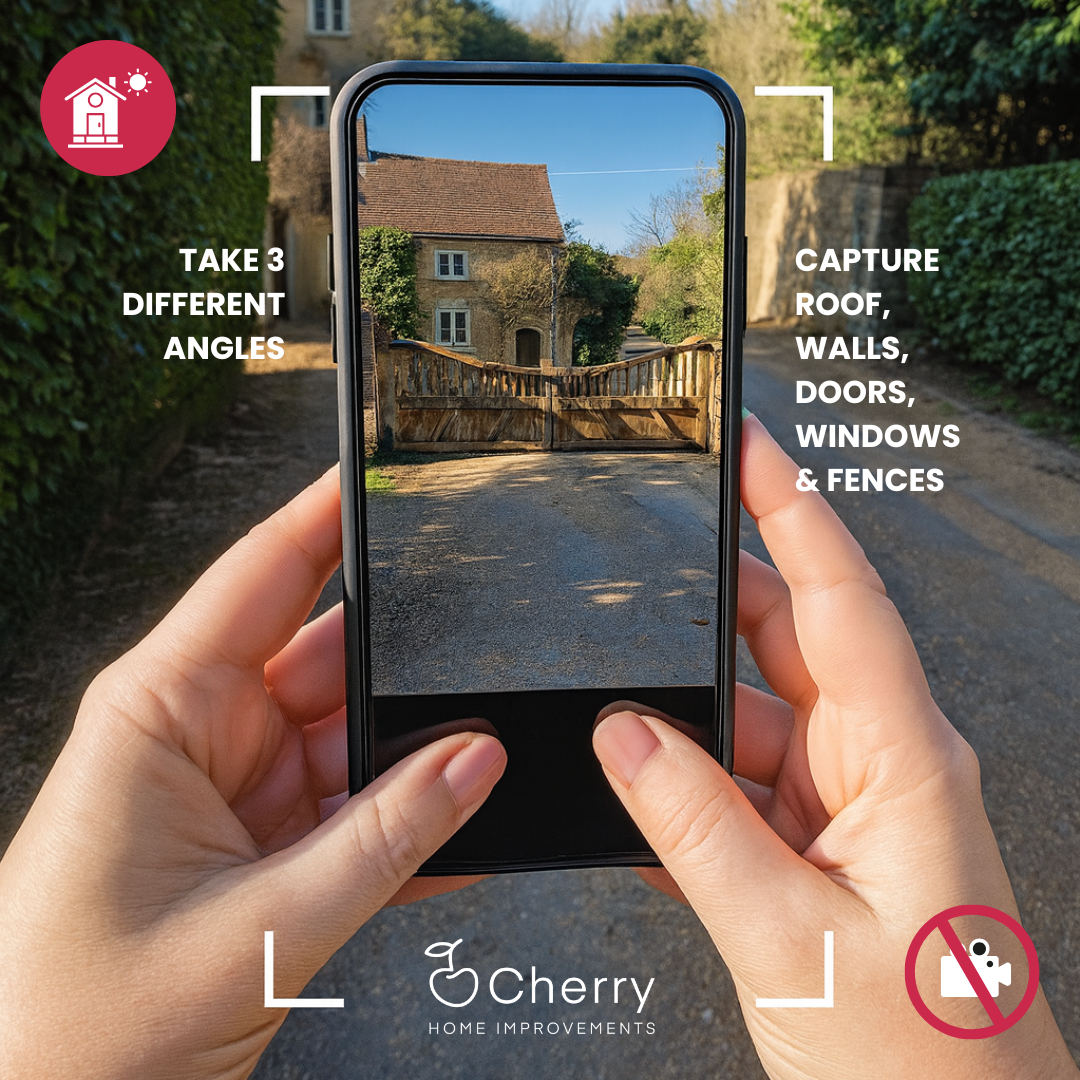
Step 1 – Take three clear photos
Take three clear photos of the area you would like to transform, from different angles, so the full space can be viewd, including boundaries and any steps or features.
ResinVision™ Studio gives you a quick, accurate way to see how different resin blends look on your driveway, patio or pathways. Upload a few photos and the visualiser places your chosen finish directly onto your images, so you can compare colours, textures and styles before making a decision. It’s an easy way to explore ideas without waiting for an appointment.
See how your new surface will look before anything is ‘set in stone’!
Upload photos of your driveway, patio or pathway and the ResinVision™ Studio will create a visual design, so you can see how a premium quality Resin finish will look with your own home before any work begins.
“Communication was consistent... they made sure we were happy with our choice of colour before placing the order. We love the finished look.” Tim Burne-Cronshaw

Take three clear photos of the area you would like to transform, from different angles, so the full space can be viewd, including boundaries and any steps or features.
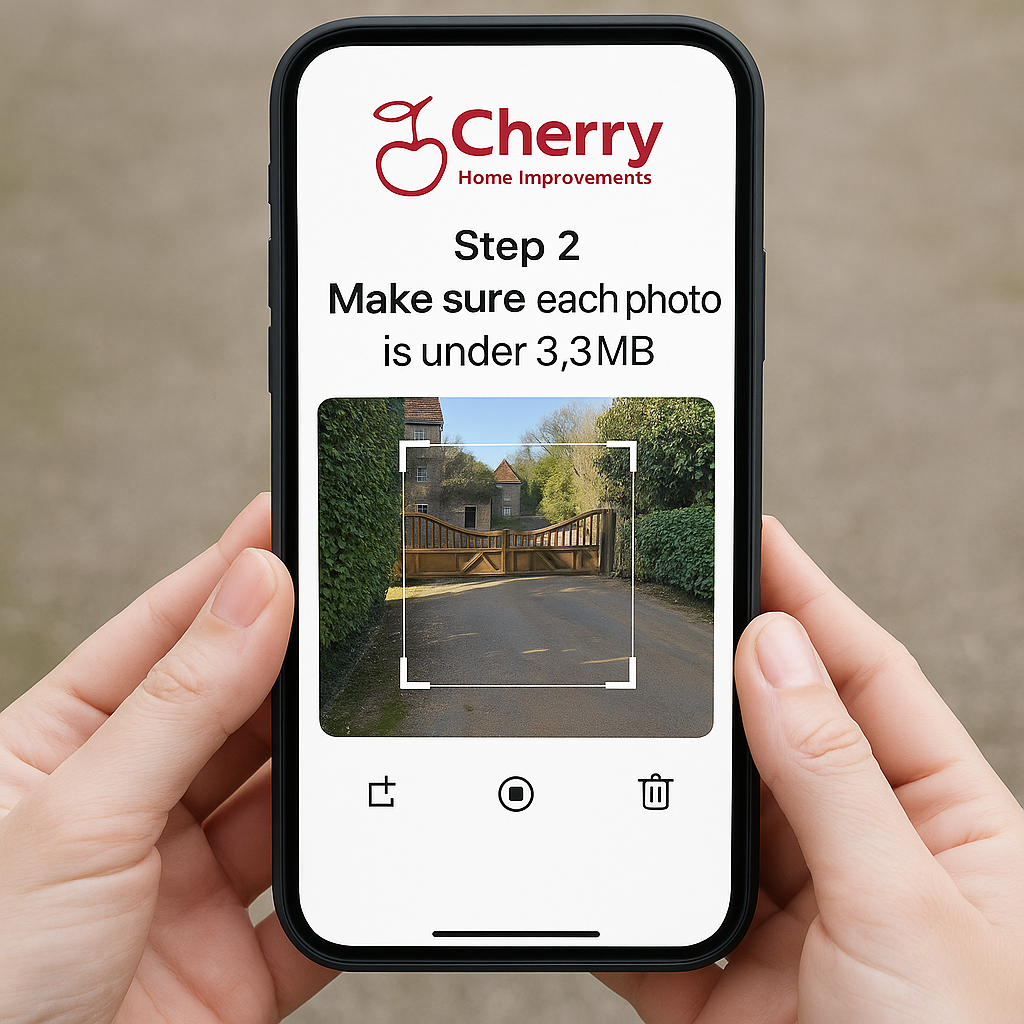
Crop each photo so the surface is clearly visible and ensure every file is no larger than 3.3 MB. This helps your images upload smoothly and keeps the detail the ResinVision™ Studio needs.
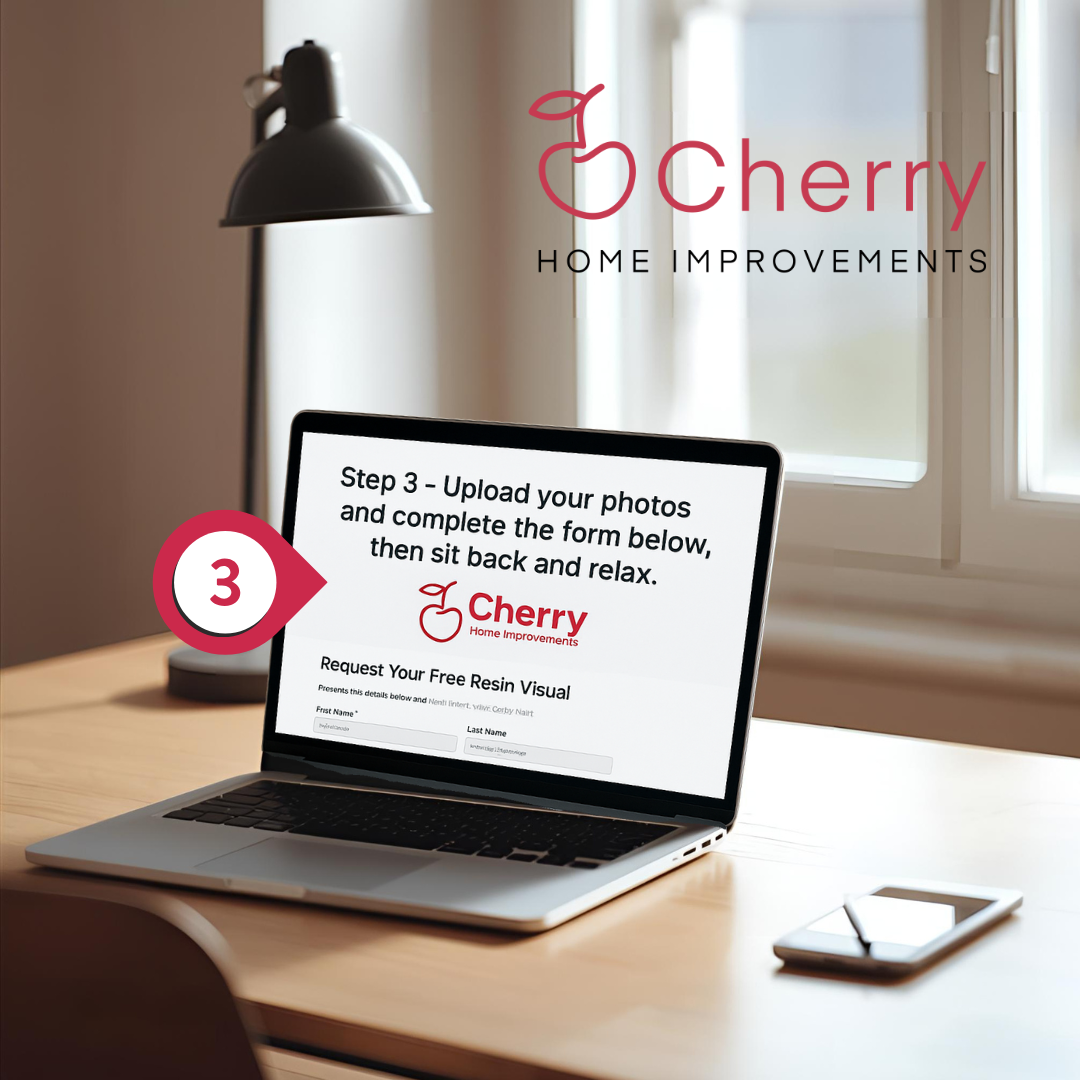
Upload your prepared photos and fill in the form below with your details and design ideas, then relax while your mockups are created with your personalised colour blends.
Colour and finish shown in the visual are for guidance. Lighting, screens and monitors will affect how resin appears on your device compared with real life.
Complete the details below and get your persionalised images by email.
Once your photos and details are received it usually takes a few days for the ResinVision™ Studio to prepare your mockups. But you could get them within hours, depending on the queue! For tips on taking and preparing the best possible images for your home, have a look at the photo and aftercare guide .
ResinVision™ is a trademarked resin driveway visualiser created specifically for homeowners who want to preview resin surfaces on their own property before committing to a finish. Unlike generic tools or broad design platforms such as garden visualiser apps, driveway visualiser apps, or even RoomVu alternatives, ResinVision™ uses a more accurate photo-mapping method developed for outdoor surfacing rather than interiors.
This allows the visual to follow real-world details such as slopes, curves, edges and transitions, so what you see on screen closely reflects how the resin surface would appear once installed. Rather than a flat colour overlay, the system accounts for perspective, surface depth and light, giving a more reliable preview of the finished result.
ResinVision™ Studio applies your chosen blend to your own photos using realistic texture depth and natural shading. This helps you judge colour balance, aggregate size and overall feel before committing, which is especially useful when comparing similar blends or deciding between lighter and darker finishes.
The visualiser is designed to support homeowners at the decision stage, helping you understand how different resin options interact with your specific space before samples are ordered or quotes are requested.
If you’d like to explore resin finishes in more detail before using the visualiser, this resin colour and finish comparison guide is a helpful starting point.
For independent external standards on visual accuracy in exterior design and digital mock-ups, the Landscape Institute publishes professional guidance explaining how visual tools should be used to support informed design decisions.
Every ResinVision™ preview is generated through the HQ Office in Dorset, and is more advanced than typical driveway visualiser apps or RoomVu alternatives. After uploading your photos, the system identifies boundaries, gradients, edging, planting lines and any architectural features that influence how a resin surface behaves visually.
The ResinVision™ Studio then overlays your chosen blend with proper texture depth, light fall, shadow movement and colour accuracy, so the preview reflects real-life conditions rather than a flat digital texture. This level of detail isn’t available in most online resin driveway visualiser apps, which is why Cherry Resin Vision remains one of the most reliable preview tools for driveways, patios and pathways.
You can explore real resin colours here before choosing blends for your Cherry Resin Vision preview.
And for downloadable photo guides and finish resources, visit The Homeowner Resource page…
If you want an external reference for image-based design tools, CIRIA’s SuDS guidance includes helpful notes on surface reflectance and outdoor material choices.
To get the clearest preview from ResinVision™, upload daylight photos that show the full driveway, patio or pathway. ResinVision™ Studio works best when the image includes:
a straight-on view of the main area
enough background for context
visible edges, kerbs, or border planting
any gradients or slopes
surrounding garden layout
the front elevation of your home
This helps the resin driveway visualiser place the blend accurately, avoiding the stretched or distorted look common in many online driveway visualiser apps and RoomVu alternatives.
If you’re unsure which angles to take, the complete photo guide inside the Homeowner Resources section makes the process easy.
This also ensures ResinVision™ Studio can produce a preview that feels realistic, balanced and tailored to the natural light around your home.
Absolutely. ResinVision™ works best as the first stage of your planning process. Many homeowners use the resin driveway visualiser to narrow down their preferred blends before ordering a sample pack. Seeing the finish on your own driveway through ResinVision™ Studio gives you a clearer sense of contrast, tone and style, rather than relying on small swatches or generic photos.
Once you’ve shortlisted a few options using the visualiser, you can then order physical samples to confirm texture and colour in natural daylight. This staged approach helps avoid unnecessary sample orders and makes comparisons more meaningful.
After that, a full design assessment provides a clearer picture of what’s involved in installation, including base preparation, drainage considerations, edges and transitions, along with an outline of likely costs. This ensures design decisions are grounded in practical requirements, not just appearance.
ResinVision™ is designed to provide a consistent, professional-quality preview wherever it’s used, giving homeowners a reliable way to explore design options before moving into the quotation or installation stage, where a full design assessment provides a detailed breakdown of installation requirements, base-build considerations, and pricing.
The ResinVision™ process is designed to make choosing a surface simple, clear and enjoyable. Because it combines colour selection, a resin driveway visualiser and the ResinVision™ Studio mockups, you get a complete picture before taking the next step.
Here’s how it works:
1. Start by choosing your colours
Before using ResinVision™ or the resin driveway visualiser, begin with the full colour blend guide here…
This gives you a sense of tone, contrast and warmth long before the visuals are created.
2. Take photos of your driveway, patio or pathways
Accurate images help ResinVision™ Studio produce realistic visuals. You’ll find a simple photo guide on the same resources page, which explains the best angles and lighting for the mockups.
3. Upload your photos to ResinVision™ Studio
Once you’ve chosen your blends and taken your photos, upload them to the Resin Vision steps section.
ResinVision™ Studio then prepares your images and generates a realistic preview using the resin driveway visualiser method developed exclusively for the ResinVision™ platform.
4. Submit your visualiser form
Add your details through the Resin Vision form here so the preview and advice can be sent to you.
5. Receive your visuals by email
Most homeowners receive their ResinVision™ Studio mockups within a few days, and often within a few hours. These previews include notes explaining which colours and blends were used in each version, making it easier to compare your options clearly.
6. Choose your favourites and order a sample pack
Once you’ve seen the ResinVision™ Studio mockups and narrowed down your favourites, order your resin sample pack here…
This lets you touch the real texture and see the blend against brickwork, rendering and planting in natural daylight.
7. Enjoy being one confident step closer to a stunning resin surface
By the time you’ve worked through the ResinVision™ Studio, you’ll have a clear sense of colour, style and suitability. It’s an easy, reassuring process that helps you choose a finish that complements your home beautifully.
And because ResinVision™ is a trademarked system used across all county sites in the South of England, the experience is consistent, accurate and reliable wherever you live.
© 2026 London Resin. Part of the Cherry Home Improvements group, focused exclusively on resin surfacing in London.
